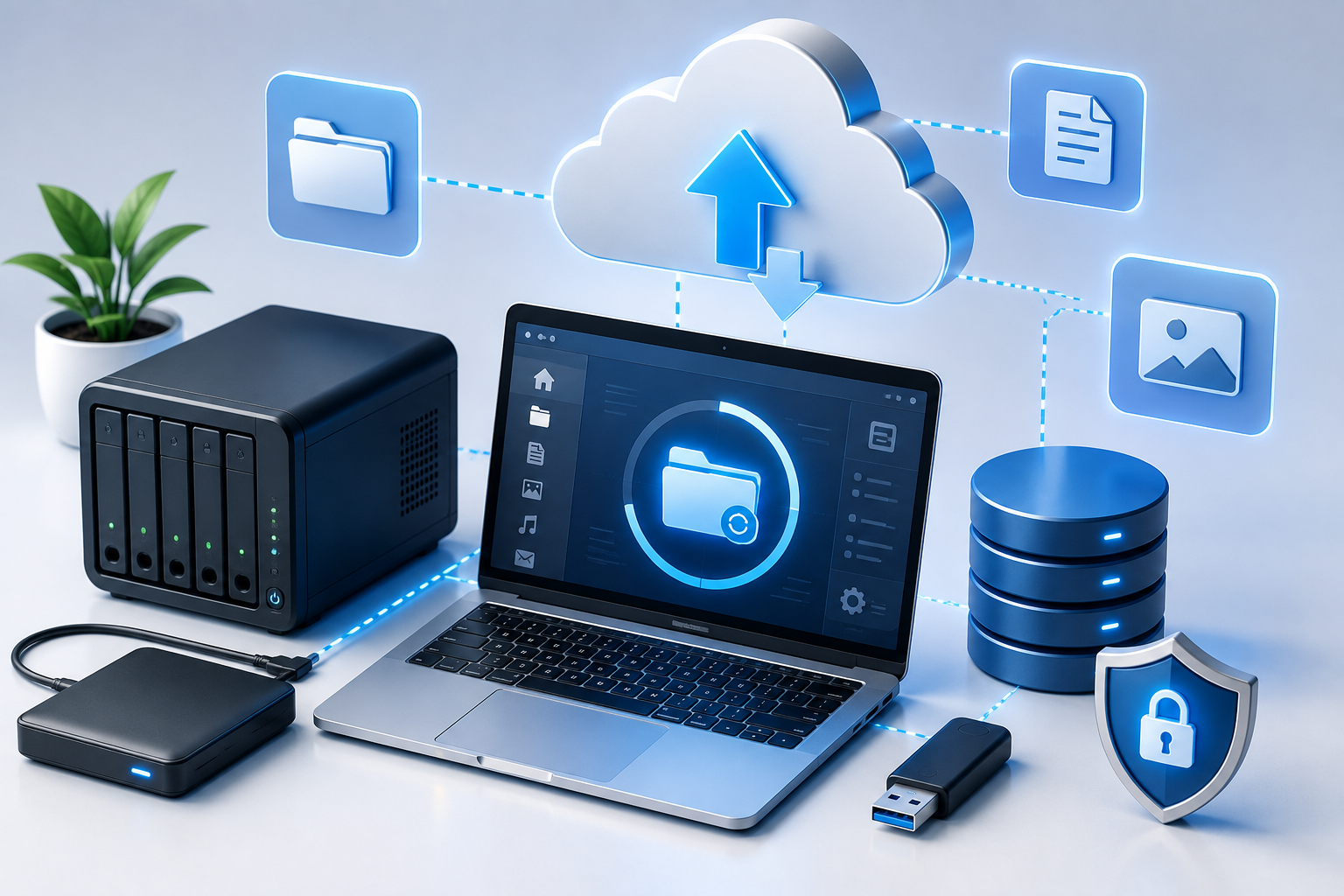
Business data may include customer information, documents, financial records, project files, emails and other information that supports daily operations. A reliable backup strategy helps maintain additional copies of important data so recovery is possible when unexpected problems occur.
What Is Data Backup?
Data backup is the process of creating additional copies of important digital information and storing those copies separately from the primary source.
Backups may be stored on local devices, dedicated storage systems, remote infrastructure or cloud-based platforms depending on business requirements.
Why Is Data Backup Important for Small Businesses?
Important information can be lost for many reasons, including accidental deletion, device failure, software problems or certain security incidents.
A planned backup strategy can help businesses:
- Protect important business information
- Reduce the impact of accidental file deletion
- Support recovery after certain hardware failures
- Maintain additional copies of critical files
- Support business continuity planning
- Reduce dependence on a single device or storage location
- Prepare for unexpected technology problems
Local Backup
Local backup stores copies of data on equipment controlled by the business, such as external drives, network storage systems or backup servers.
Local backups can provide convenient access to recovery copies, but businesses should consider what happens if the primary location or backup equipment is damaged, lost or unavailable.
Cloud Backup
Cloud backup stores selected copies of data using remote internet-connected infrastructure.
This can help maintain backup copies away from the main business location and may provide flexible storage options as requirements change.
Businesses should review access controls, retention settings, encryption options and recovery procedures when selecting a cloud backup service.
Hybrid Backup Strategy
A hybrid approach combines local and remote or cloud-based backup methods.
Maintaining backup copies in different locations can reduce reliance on one storage method and provide businesses with additional recovery options.
How Often Should Business Data Be Backed Up?
Backup frequency depends on how quickly business information changes and how much recent work the organisation can reasonably afford to lose.
Some information may need frequent backup, while files that rarely change may require a different schedule.
Businesses should identify their most important data and create a backup schedule that reflects operational priorities.
Backup Retention
Backup retention determines how long previous copies of information are kept.
Keeping multiple backup versions can be useful when a business needs to recover an earlier version of a file rather than only the most recent copy.
Retention requirements may vary depending on storage capacity, business needs and applicable legal or compliance obligations.
Data Recovery Planning
Creating backups is only part of a complete recovery strategy. Businesses also need to understand how information will be restored when it is needed.
A recovery plan can identify:
- Which data and systems are most important
- Where backup copies are stored
- Who is responsible for recovery
- How backup data will be accessed
- How long recovery may take
- Which systems should be restored first
Testing Backup and Restore Procedures
A backup should not simply be assumed to work. Periodic restore testing can help confirm that backup copies are available and usable.
Testing can also help businesses identify missing files, access problems or configuration issues before an actual recovery situation occurs.
Backup Security
Backup systems may contain copies of sensitive business information, so access to them should be appropriately controlled.
Security measures may include:
- Restricted user access
- Strong authentication
- Appropriate encryption where supported
- Separate administrative accounts
- Monitoring backup activity
- Protecting backup devices and infrastructure
Backup and Business Continuity
Backups can form an important part of a broader business continuity plan.
Business continuity considers how an organisation will continue or restore important operations when technology, facilities or other resources become unavailable.
Reliable backup and recovery procedures can help support the restoration of important information when normal systems are interrupted.
Choosing the Right Backup Solution
There is no single backup solution suitable for every business. Requirements depend on the amount of data, number of users, storage systems, applications, recovery expectations and available budget.
Businesses should consider:
- The type and amount of data being protected
- How frequently information changes
- Required backup frequency
- Local and remote storage options
- Recovery time expectations
- Security requirements
- Future storage growth
Planning Data Protection for Long-Term Growth
Backup requirements often change as businesses add employees, applications and new types of information.
Regular reviews can help confirm that important systems remain protected, storage capacity is sufficient and recovery procedures continue to match business requirements.
Frequently Asked Questions
Why are data backups important for small businesses?
Backups can help businesses restore important information after accidental deletion, hardware failure, certain security incidents or other forms of data loss.
How often should business data be backed up?
Backup frequency depends on how often information changes, how important the data is and how much recent work the business can reasonably afford to lose.
What is cloud backup?
Cloud backup stores selected copies of business information using remote infrastructure for later recovery according to the service configuration.
Should backups be tested?
Yes. Periodic restore testing can help confirm that backup copies are available and that recovery procedures work as expected.
Protect Your Business Data
Techno E Solutions provides practical backup and data protection solutions designed around individual business requirements, infrastructure and recovery needs.
Discuss Your Backup Requirements →